TRAINING FINANCIAL MODELING USING EXCEL & VBA – FROM ZERO TO MASTER
Training Pemodelan Finansial Menggunakan Excel Dan Vba
Training Konsep Financial Modeling

Pembicara / Fasilitator
Tri Gunawan Bayu Aji SE, Ak MM
is a practitioner in Management Accounting, Business Planning and Budgeting with 10 years solid experience in various industries such as manufacturing, Distribution, Financial Institution, Shipping Line and Port Operator. He graduated from Accounting Department of UNPAD and obtain MM Degree from LPPM Jakarta. He has extensive experiences in giving public workshop; in-house training and lectures specialized in Financial Analysis and Financial Modeling. His team members are also practitioners from the biggest Beverages Company and Telecommunication Company, and having many experience in giving Financial Modeling Workshop.
Workshop outline:
Day One
Principle of Financial Modeling
* Basic Design
* Objective of Financial Modeling
* User Interface
* Key Variables and Rules
* Layout of good financial modeling
* Management Reporting
* Testing
* Protection and Documentation
Excel Fundamental
* Learn how to use function If
* offset, match and index
* Linking data
* Formatting
* Data Validation
* Built simple macro using recording
* Using range names
Capital Budgeting
* Basic Understanding
* Tools ( ROI, Payback period, Net Present Value and IRR)
Performance Management
* Financial Ratio understanding
* Profitability Ratio
* Liquidity Ratio
* Operating Ratio
* Modeling
Advance Financial Modeling
* Formatting and Layout
* Build intuitive model: Font, Formatting, Color and Input
* Advanced Menu: Combo Box, Scroll Bar, List Box and other Menu
* Building summary and documentation in your model
* Using Comment and Data Validation
* Build Graph, creating interactive graph
Day two
Advanced Financial Modeling…continue
* Build Dynamic Chart using advanced menu, and use menu as inputs
* Put Sensitivity on your financial modeling
* Build Sensitivity Chart
* Build Scenario using Advanced Menu and VBA to automatically query
* Build Goalseek using Advanced Menu and VBA to automatically target
* Build Interactive Chart
* Using Solver
Workshop Simulation and Group Discussion, Building inancial modeling
* You will learn how to add combo box, list box and other menu
* You will build a simple menu
* You will add input/ output to your model by using menu, validation and comment •You will learn how to use macro and vba to automatically input or result
* You will build sensitivity, scenario and Simulation into your model
Tips and Tricks in building a good and interactive financial modeling
* Using Pivot Table
* Advanced Data Validation
* Using YTD function
* Building Advanced Interactive Chart
* Using sumproduct, sumif and building mega formula into your financial modeling
* Use advanced features to link into your model to a database (local or web database)
* Build Waterfall Chart
* Forecasting
* Linear regression, Moving Average and seasonality
* Building Function using Visual Basic Application for Excel
* Monte Carlo analysis
* Reporting and Dashboard
* And other advanced tip and trick
Financial Modeling Sample
* Budgeting
* Financial Analysis and Dashboard
* Investment Analysis
* Business Valuation
Wajib diikuti oleh
* Analyst and Finance Manager
* Strategic Planner and General Managers
* Project Financiers and Lenders
* Budget Analyst and Financial Planners
* Engineer and System Managers
* Risk Manager
* Corporate Finance and M&A Professionals
Jadwal Pelatihan Galeri Training 2023 training financial modeling using excel & vba – from zero to master terbaru :
Jadwal Pelatihan Galeri Training Tahun 2025 :
- Batch 1 : 7 – 8 Januari 2026
- Batch 2 : 11 – 12 Februari 2026
- Batch 3 : 4 – 5 Maret 2026
- Batch 4 : 8 – 9 April 2026
- Batch 5 : 6 – 7 Mei 2026
- Batch 6 : 10 – 11 Juni 2026
- Batch 7 : 8 – 9 Juli 2026
- Batch 8 : 5 – 6 Agustus 2026
- Batch 9 : 9 – 10 September 2026
- Batch 10 : 14 – 15 Oktober 2026
- Batch 11 : 4 – 5 November 2026
- Batch 12 : 2 – 3 Desember 2026
Catatan : Jadwal dapat menyesuaikan dengan kebutuhan anda dengan catatan kuota peserta minimum 2 (dua) peserta terpenuhi.
Biaya dan Lokasi training financial modeling using excel & vba – from zero to master terupdate :
Lokasi :
· Jakarta : Hotel Amaris Kemang, Amaris Tendean,Trinity Hotel, Ibis Budget.
· Bandung : Hotel Santika, Hay Hotel,Ibis Style, Novotel Hotel, Golden Flower Hotel, 1O1 Hotel, Grand Tjokro Hotel, Tune Hotel, Four Point by Sheraton Hotel .
· Yogyakarta : Hotel NEO+ Awana, Cordela Hotel,Ibis Style, Boutique Hotel, Cavinton Hotel, Mutiara Hotel, Dafam Malioboro Hotel, Prima Inn Hotel .
· Surabaya : Novotel Hotel, Ibis Center Hotel, HARRIS Hotel, Favehotel, Alana Hotel .
· Malang : Amaris Hotel, The 1O1 Hotel, Ibis Style Hotel, El Hotel, Whiz Prime Hotel .
· Bali : Ibis Kuta, Fontana Hotel, HARRIS Hotel & Conventions .
· Lombok : Favehotel, Novotel Lombok, D Praya Hotel .
Catatan : Biaya diatas belum termasuk akomodasi/penginapan.
Investasi training konsep financial modeling murah :
Investasi pelatihan selama tiga hari tersebut menyesuaikan dengan jumlah peserta (on call). *Please feel free to contact us.
Apabila perusahaan membutuhkan paket in house training, anggaran investasi pelatihan dapat menyesuaikan dengan anggaran perusahaan.
Fasilitas training pengenalan financial modeling murah :
1. FREE Airport pickup service (Gratis Antar jemput Hotel/Bandara)
2. FREE Akomodasi Peserta ke tempat pelatihan .
3. Module / Handout training pemodelan finansial menggunakan excel dan vba terupdate .
4. FREE Flashdisk .
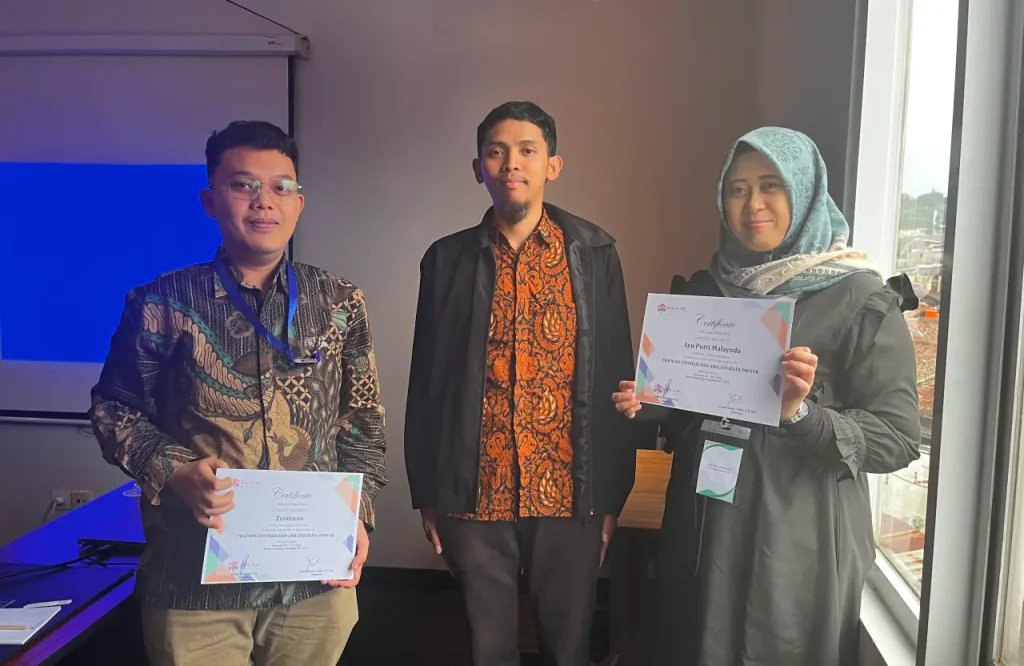
5. Sertifikat training financial modeling using excel & vba – from zero to master terupdate .
6. FREE Bag or bagpackers (Tas Training) .
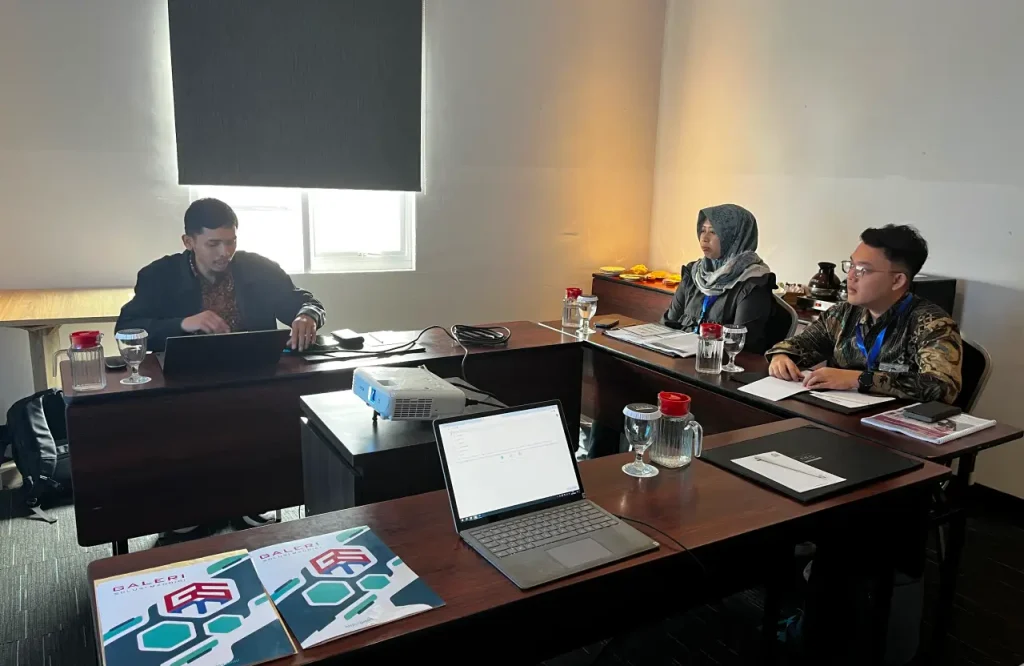
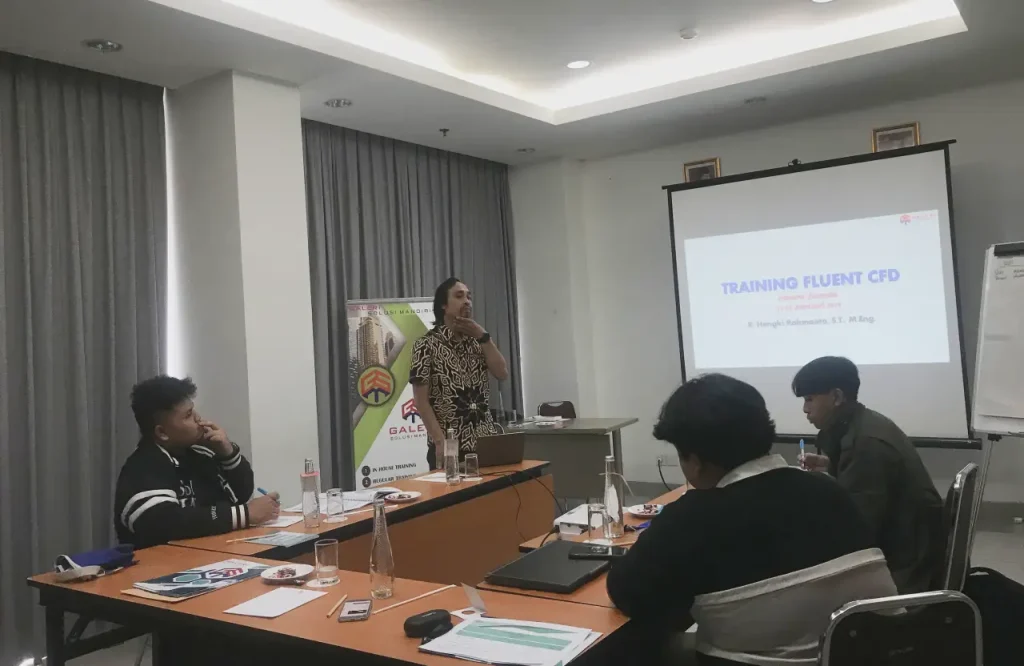
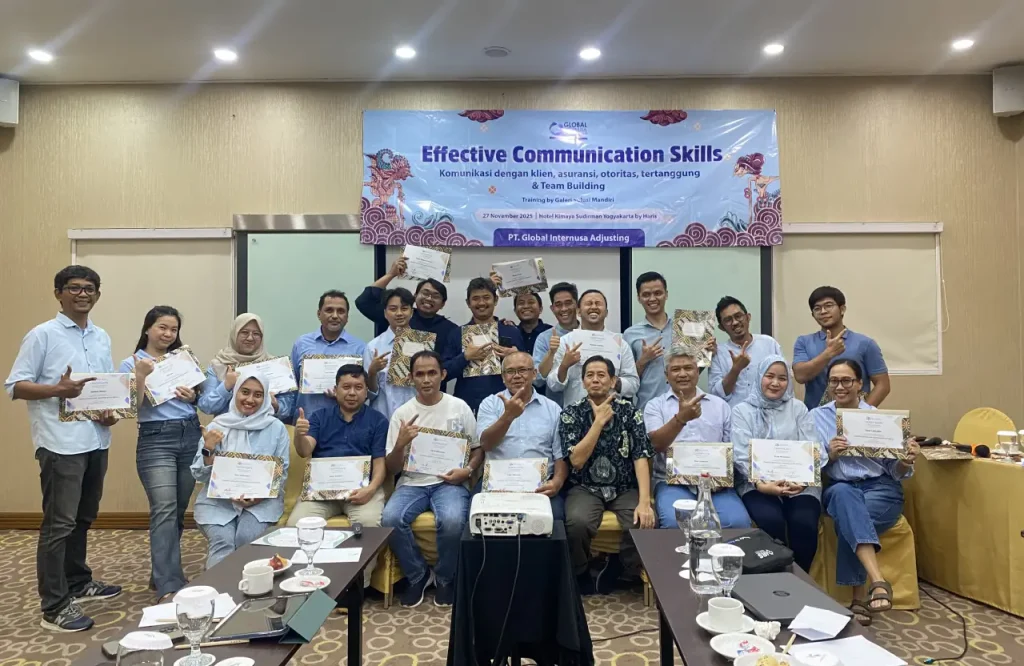
7. Training Kit (Dokumentasi photo, Blocknote, ATK, etc) training konsep financial modeling terbaru .
8. 2xCoffe Break & 1 Lunch, Dinner.
9. Souvenir .